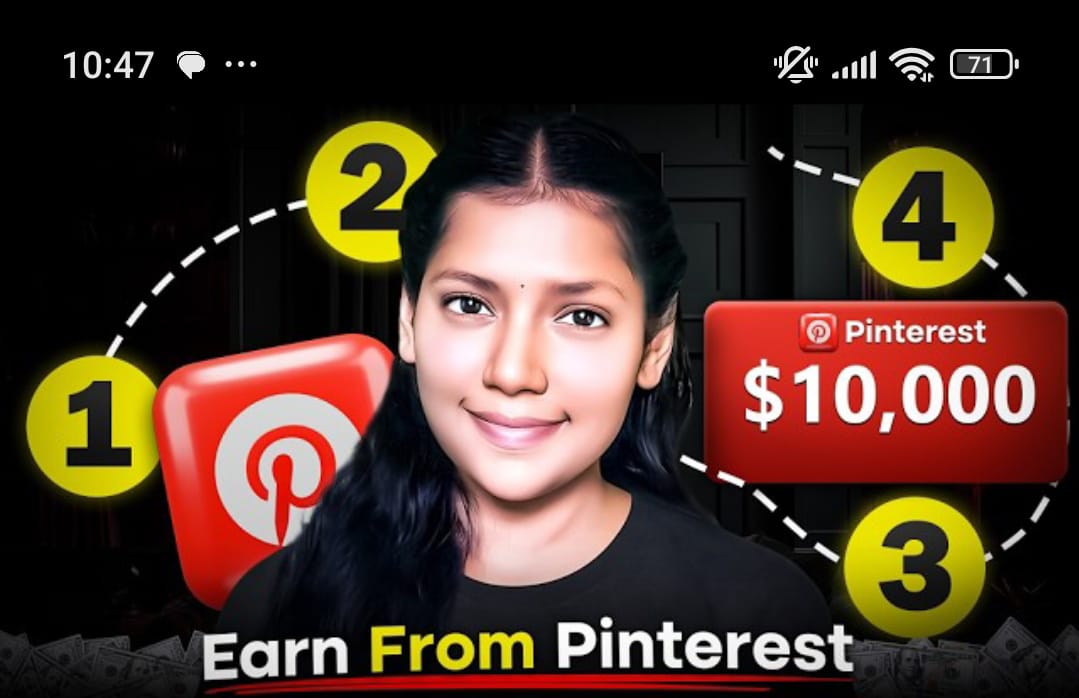
If you want to hear the truth, skip this post right now, because this is only for those who wake up with full motivation to change the world but spend their entire day scrolling through TikTok. Our women especially spend hours looking at trending bags, suits, and nail styles. What if I told you that within this content consumption lies a platform called Pinterest, which is huge in America? People are creating pins there and making more money in a month than many earn in a year. Pinterest has 1.2 billion monthly visitors. Today, I am going to teach you Pinterest Affiliate Marketing with a proper strategy in this crash course.
The 4 Steps of the Course
Creating a Pinterest Business Account for free.
Finding trending products that people are actually searching for.
Joining an Affiliate Program to earn commissions.
Designing professional pins (not just copying and pasting photos).
Step 1: Creating a Pinterest Business Account
Go to Google, search for Pinterest, and sign up using your Gmail.
Your age must be over 18. After creating a personal account, click on “Convert to Business.” This gives you access to Ad Manager, Insights, and Analytics. Select your category as “Online Merchant” and name your brand. Set your location to the United States because that is our target audience.
Step 2: Finding Trending Products
Use Pinterest’s own tool called “Trends.” It shows you exactly what 1.2 billion people are searching for.
For example, searching for “Bags for Women” shows a continuous increasing trend. Since over 60% of Pinterest users are female, focus on products related to women’s fashion, home decor, or beauty.
Step 3: Joining an Affiliate Program
The best program is Amazon Associates. It offers up to 10% commission and works well with Payoneer in Pakistan.
Once your account is set up, go to Amazon, search for the trending product you found, and get your unique affiliate link.
Step 4: Designing Professional Pins
Do not just download and upload Amazon images; you might face copyright issues. Use Canva.
Search for “Pinterest Pin” templates in Canva, remove the background of the product image, and place it in an elegant design. Upload the design to Pinterest, add a proper title from Amazon, and write a short description (you can use ChatGPT for this).
Crucial Advice: If you post 50+ direct affiliate links daily, your account will be suspended for spamming. To work long-term, create a simple blog or website. Link your Pin to your website, and put your affiliate links on that website.
Conclusion
I have shown you every step: account creation, finding winning products, joining programs, and professional designing. You can start as a beginner with direct links, but move to a website as you turn professional. Follow this process, and you will surely find success capturing a share of that 1.2 billion monthly traffic. If you learned something valuable, please like the video and share your thoughts